macOS 14+ · Apple Silicon · Free & Pro Your Mac's vital signs. In the notch.
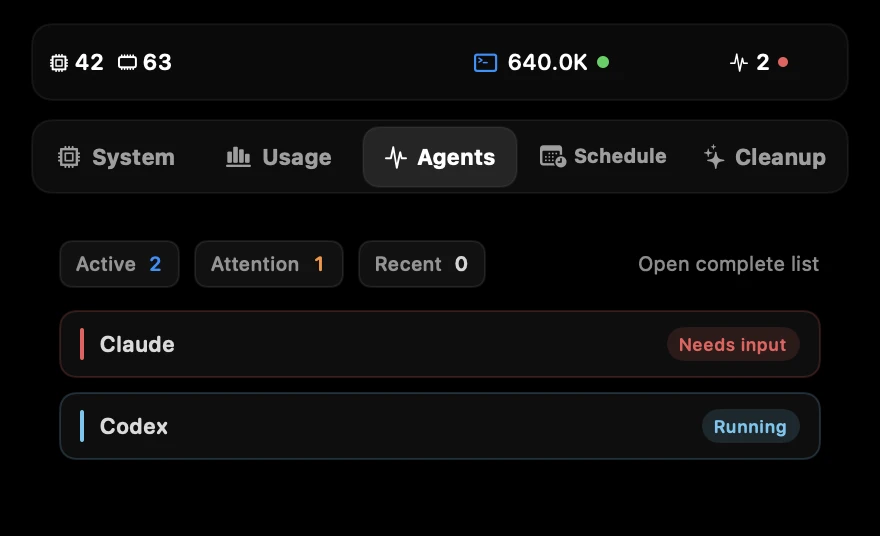
When Claude Code or Codex is waiting on you, the notch tells you first.
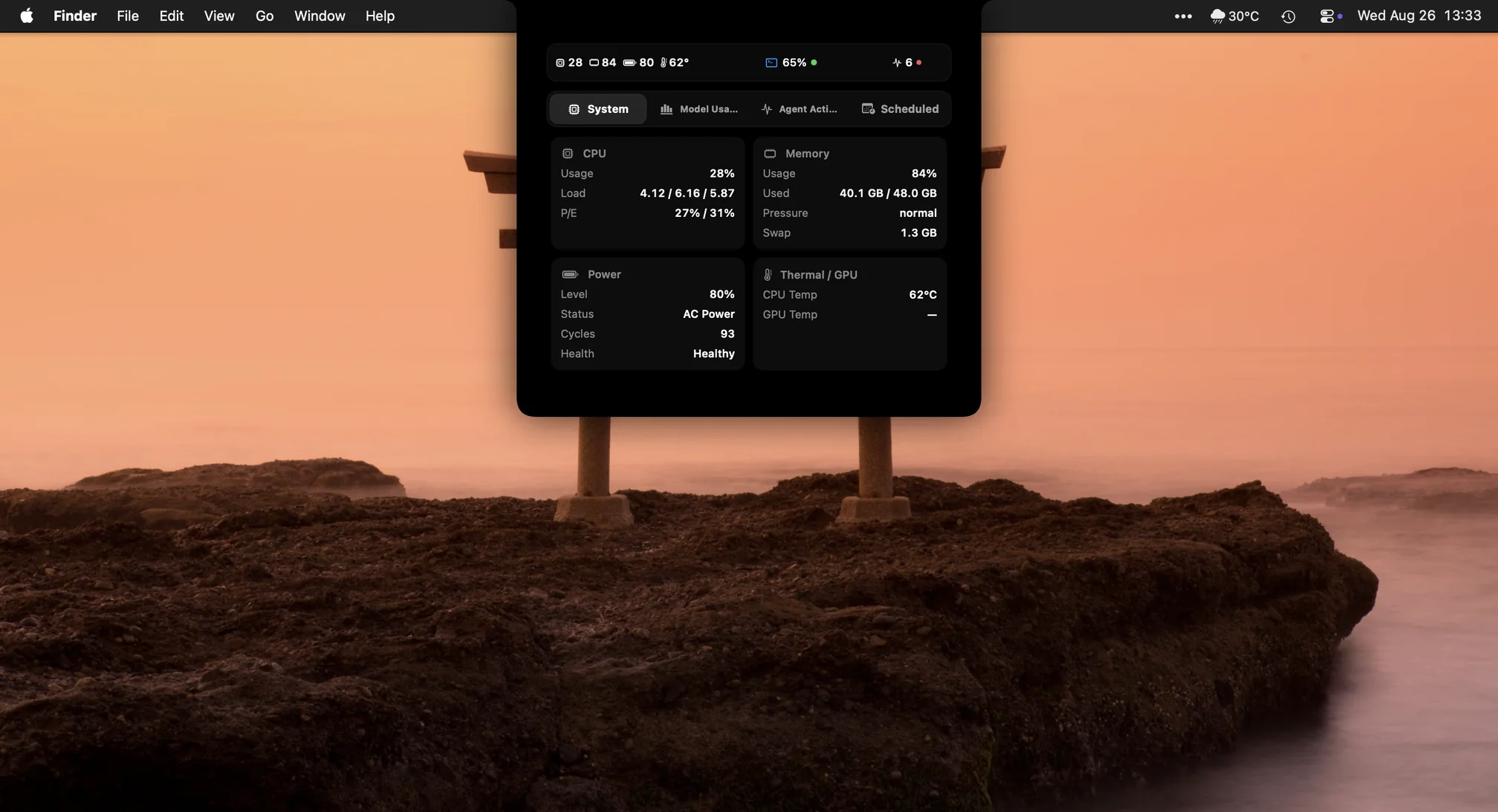
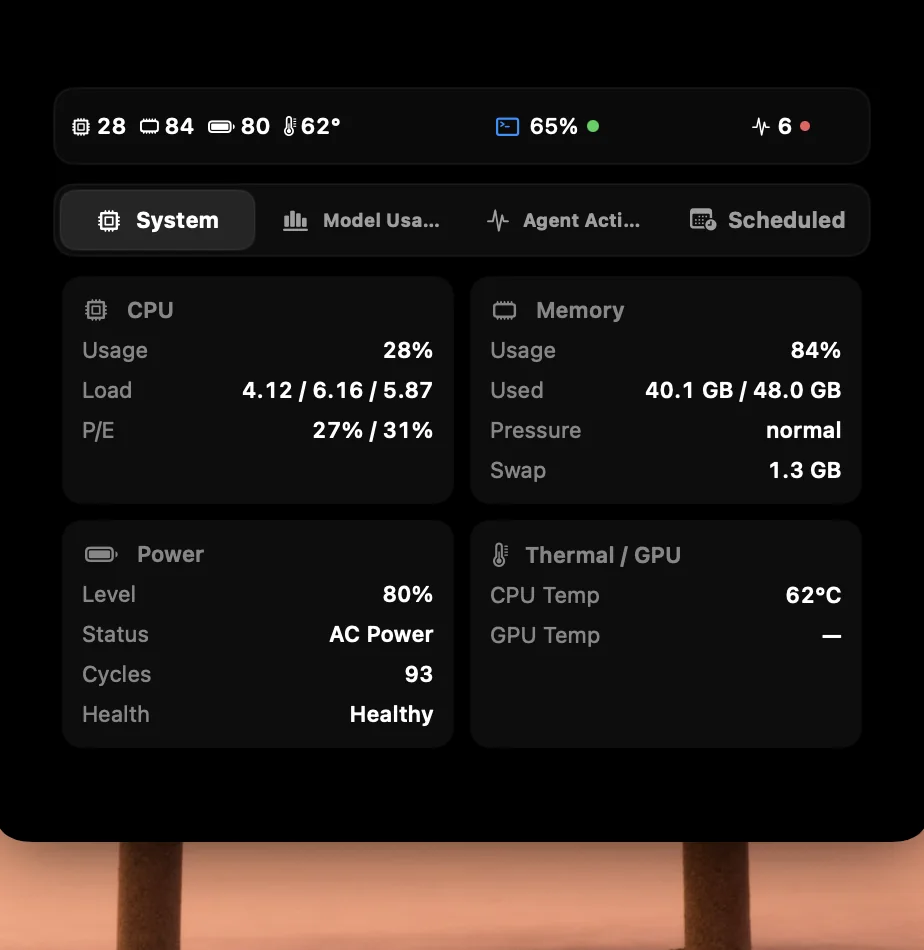
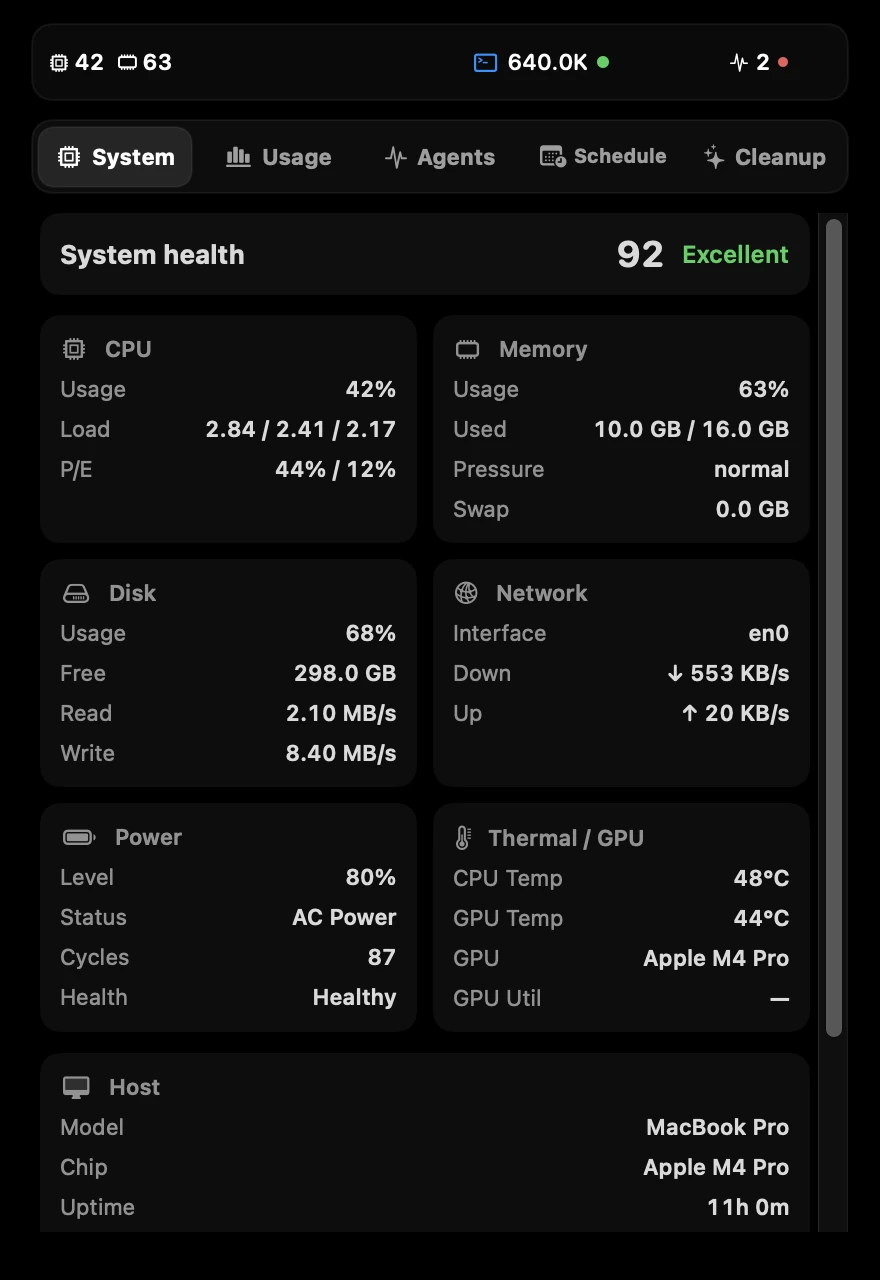
See system health, AI usage, and agent status in the notch, the menu bar, or a draggable Floating Gauge.
Pro is a one-time licence, not a subscription. 5-day trial, no card.
Scroll to wake it up⌄ 01 · The notch The black glass you already have. Now it talks.
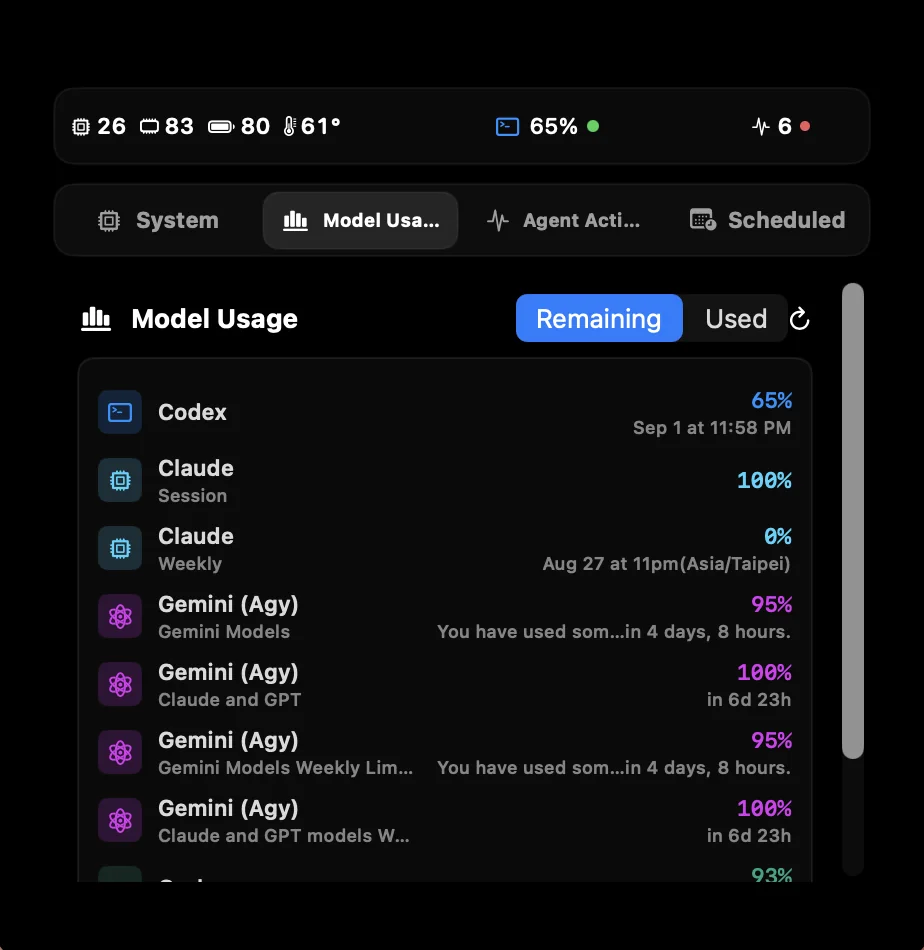
CPU, memory, battery and AI usage on either side of the notch. You choose what goes left and right, and how wide.
02 · Agents An agent is waiting. The notch speaks first.
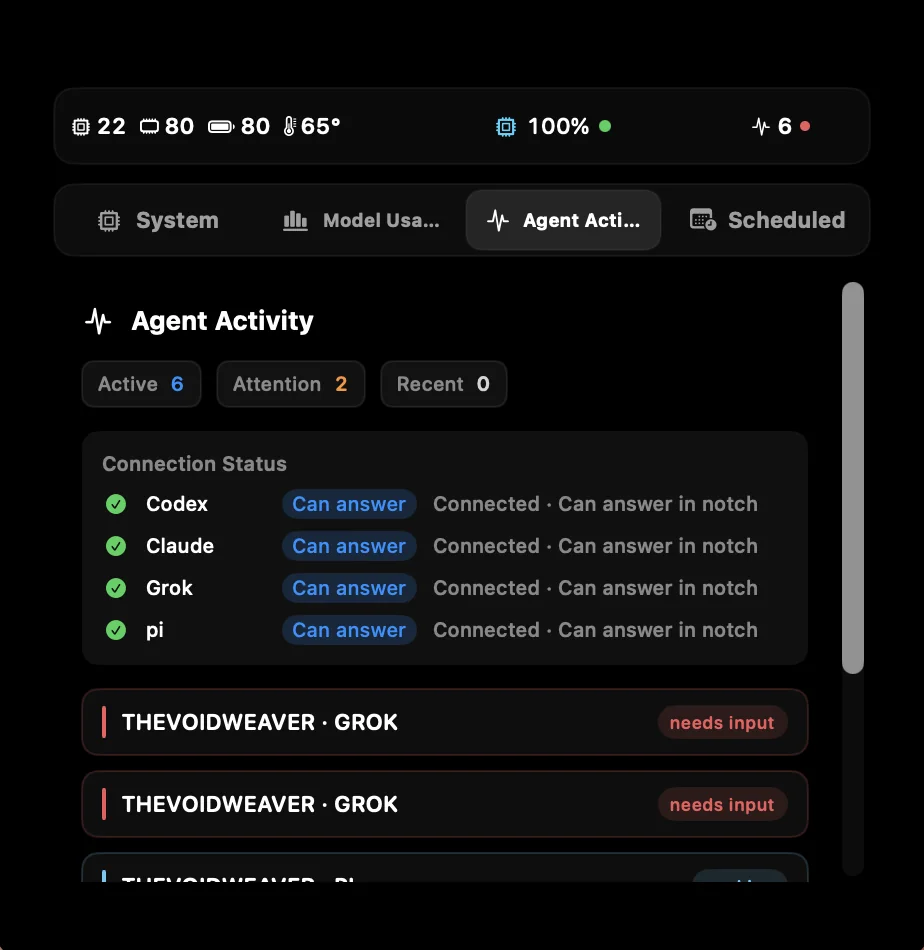
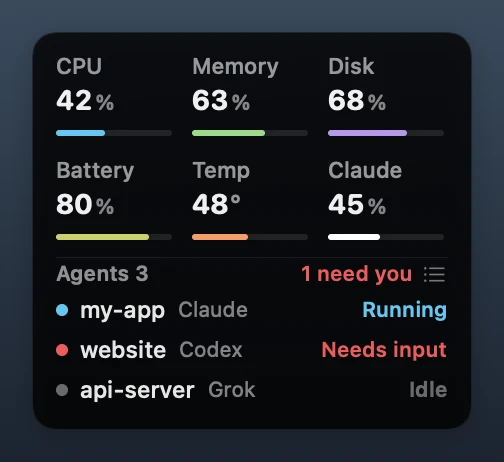
See Claude, Codex, pi, Grok and Hermes at a glance: running, waiting for you, failed, quota limit. When one needs you, the notch expands, changes colour and plays the voice alert you picked. Everything pending lands in one list window.
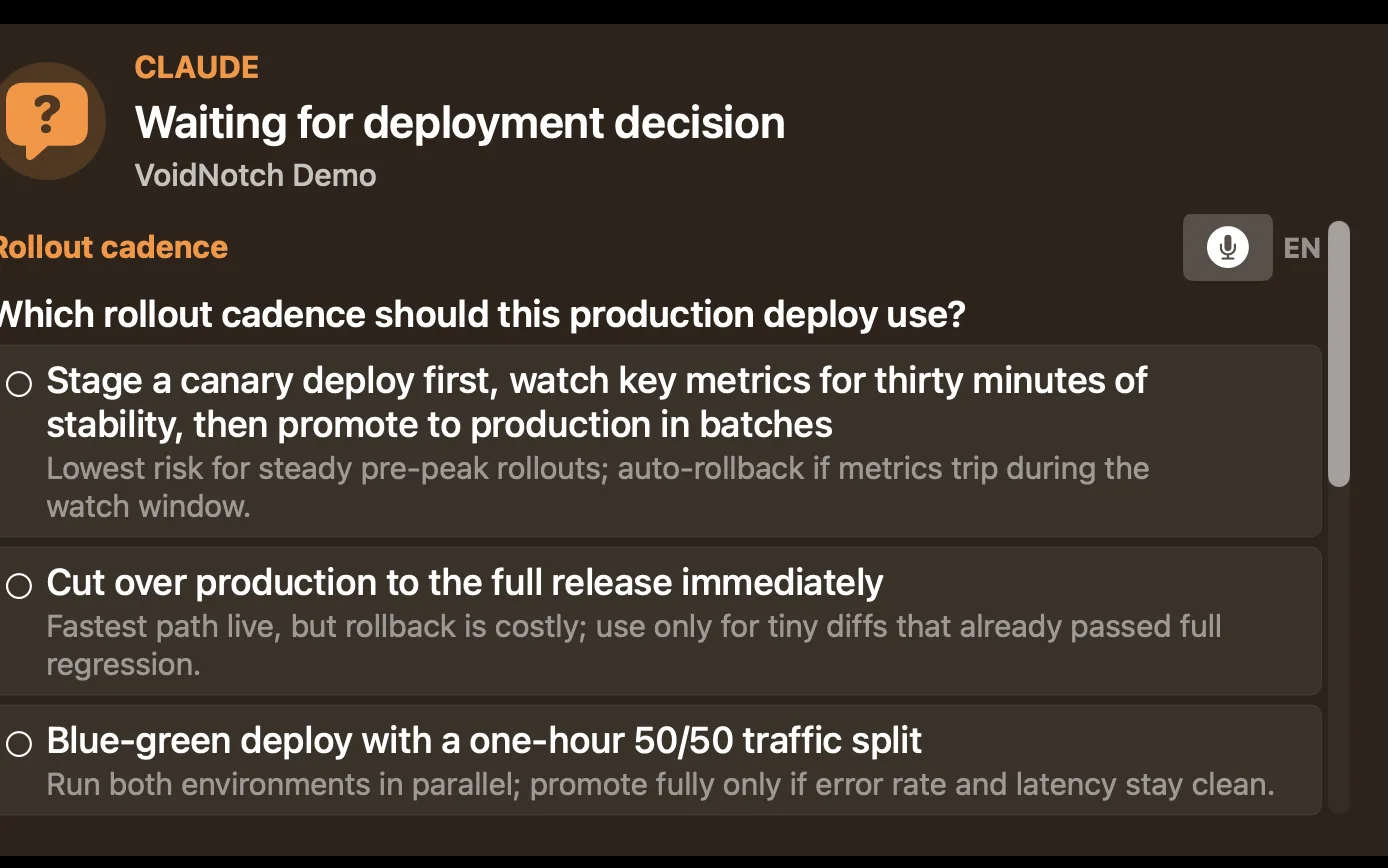
Proanswer Claude, Codex and pi prompts right in the notch, without switching back to the terminal.
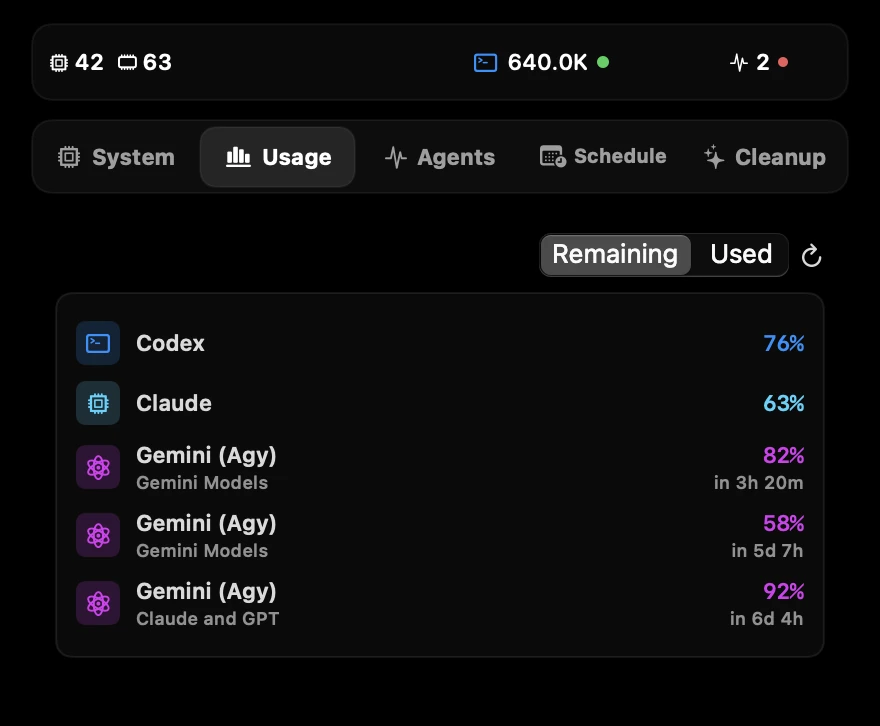
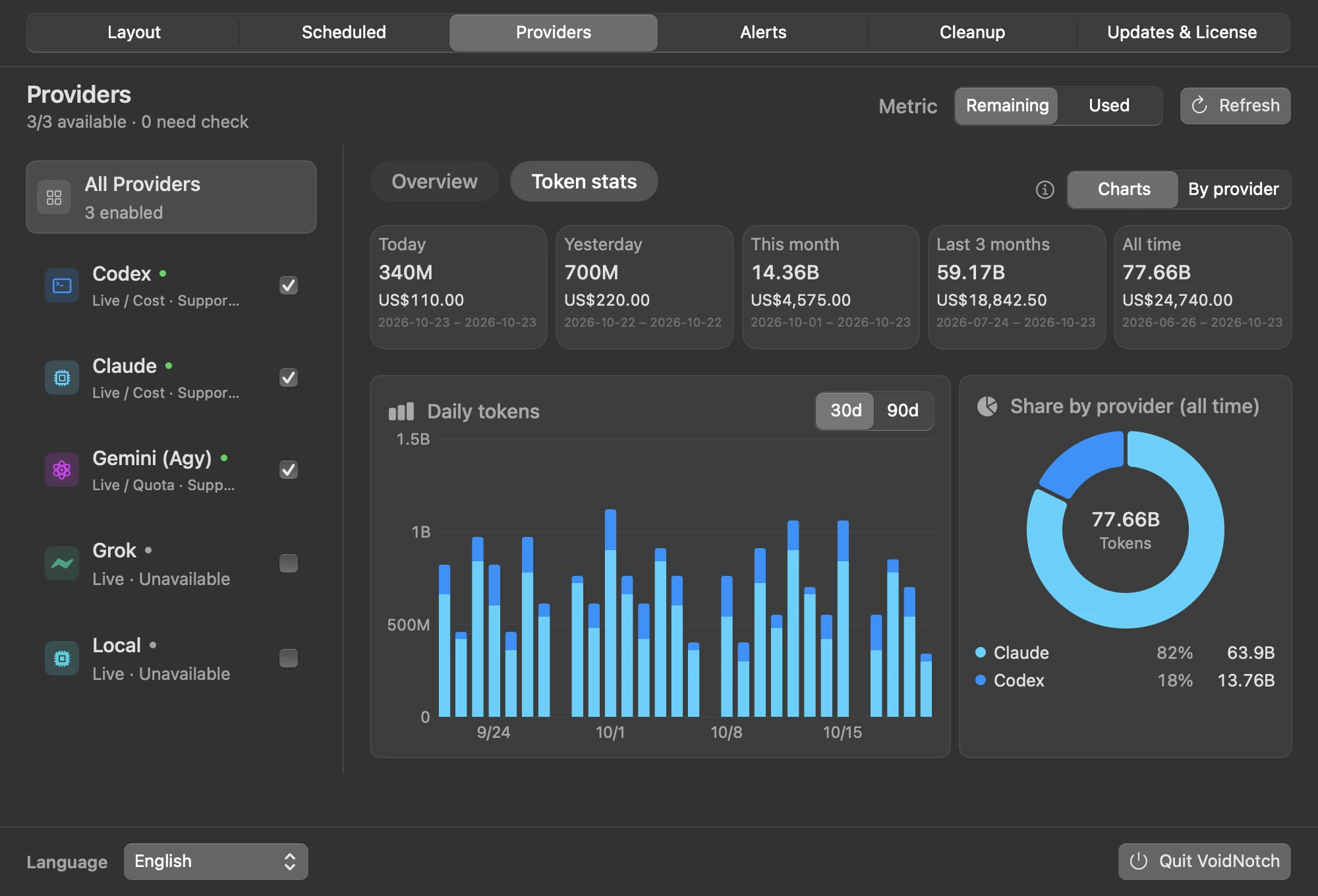
03 · Quotas Know before a quota runs out.
Set used-percentage thresholds (50/80/90/95 by default). When a quota window crosses one, the notch expands with the provider, the window and the reset time, once per cycle.
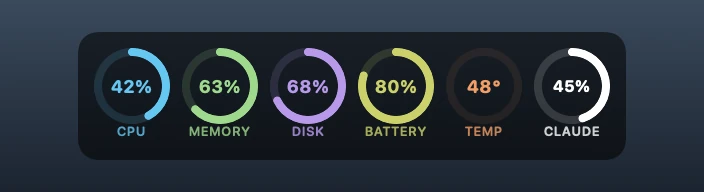
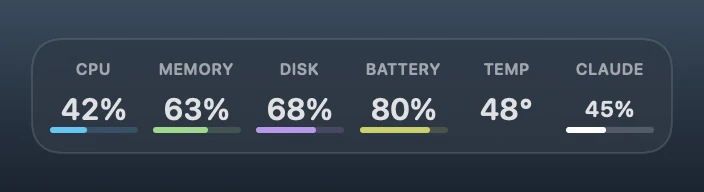
04 · Floating Gauge No notch? Use the menu bar. Or let it float anywhere.
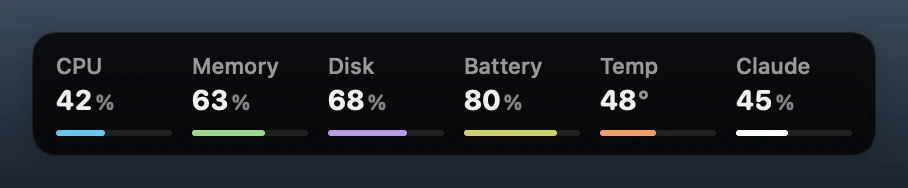
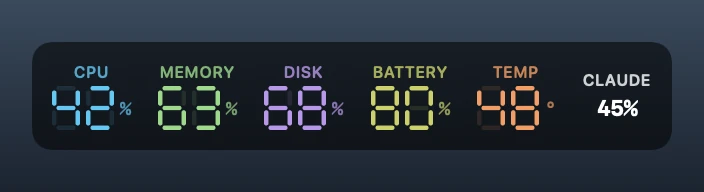
iMac and external displays switch to the menu bar automatically. Drag the Floating Gauge anywhere. The new Clean style sizes its text to the preset, and values stay white until they cross a threshold.
05 · Local Everything is read on your Mac.
Usage and agent status come from local CLI and session data. No telemetry, no analytics backend.
Download free. Go Pro when you want it.
One-time licence · up to 3 Macs · 5-day trial, no card